
Android
Open Sightra in Chrome, tap Download app below, then confirm Install when prompted.
Sightra
A mobile-first assistive app for scene awareness, safe navigation, and human support when you need it.
Free install on Android (Chrome) and iPhone/iPad (Safari).

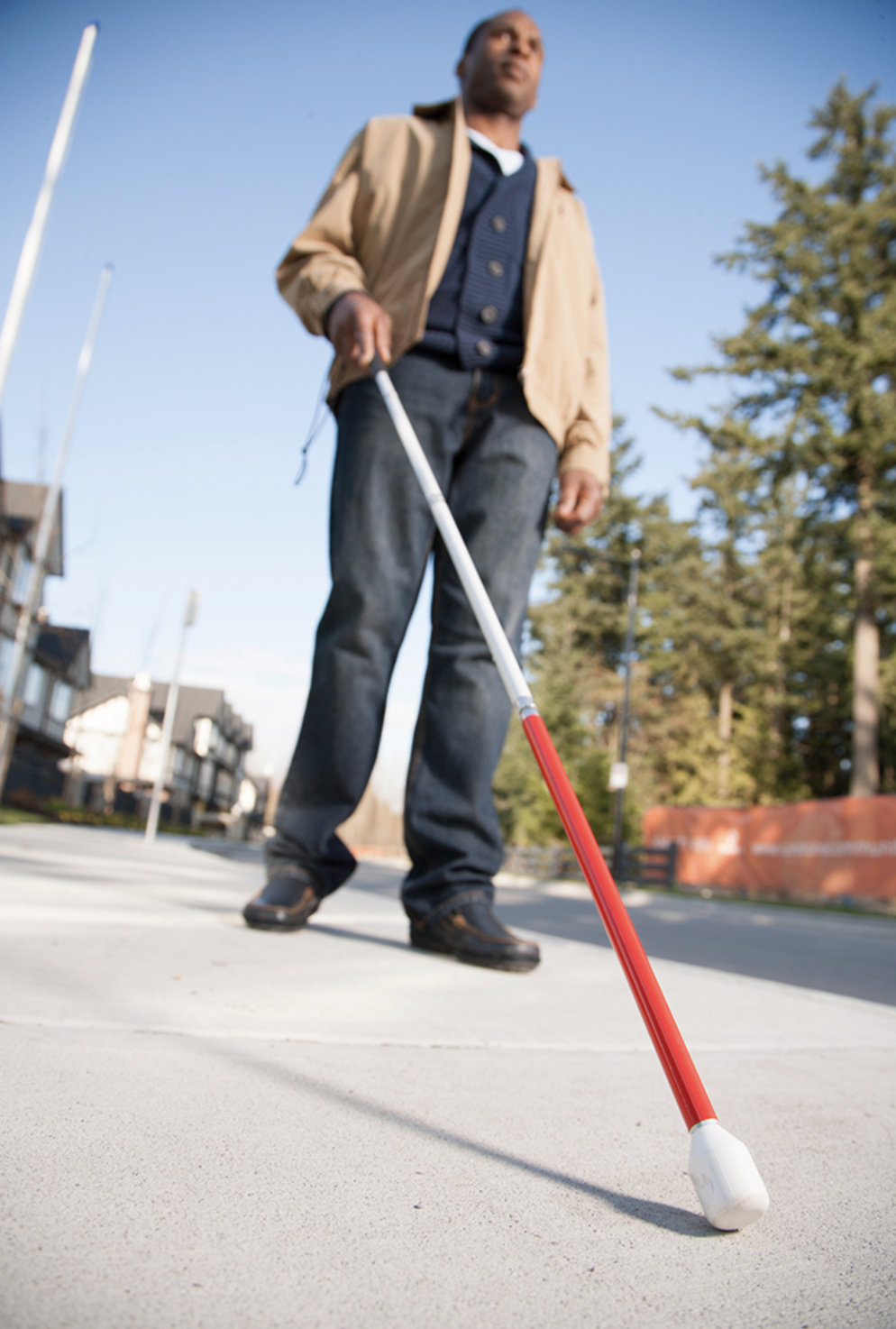
Sightra combines camera perception, spoken guidance, and optional volunteer video so you can move through spaces with more confidence.
Install on your home screen—no app store required. Works on Android and iOS as a progressive web app.
Open Sightra in Chrome, tap Download app below, then confirm Install when prompted.
Use Safari, tap Download app, then follow the steps to Add to Home Screen.
Already installed? Open Sightra from your home screen icon.
Create a free account to access your dashboard, save preferences, and sync your settings across devices.
Install Sightra
Download Sightra to your home screen for quick, app-like access.
Install app
Sightra processes camera and AI data to provide assistive guidance. Please review Privacy Policy, AI Transparency, and Terms of Use.